Which calculator is your favorite
Table of contents
- Magic mirror on the wall, who’s the fairest one of all?
- Financial category
- Engineering category
- Computer Algebra systems (CAS)
Magic mirror on the wall, who’s the fairest one of all?
A friend asked me recently which of my calculators is my favorite. A simple question with a complex answer.
I admit that my reply was not great.
This may be because it is a bit difficult to answer this question properly without going into the details of each model and risking boring people to death.
I think that this question can be answered better in a blog post, and that is what I will attempt to do here.
So please brew a cup of your favorite beverage and strap in for a calculator showdown.
Please keep in mind that all the calculators presented here are quite advanced and that each one of them has several books written about it.
I will present them here and explain the features I find most interesting in each one, but there is a lot of depth for each of them that I will not analyze.
The categories
In my mind, there are two big categories or audiences in the calculator world: the financial category and the educational/engineering category. The second category can also be separated into two different groups, but for now let’s keep them together.
Then there are some models in each category that borrow features from the other, so we can call these crossovers. Most high-end graphing calculators can do financial calculations, and some high-end financial calculators can do scientific work without breaking a sweat.
Overall, you can usually tell at a glance whether a calculator is meant to be used for finance or engineering as its primary function.
Financial calculators have PMT, PV, FV, and i% buttons as unshifted functions, since these are meant to be used regularly without complicated menus, and sometimes they have common scientific functions such as logarithms or exponentials as shifted operations.
On the other hand, engineering calculators primarily focus on scientific functions and constants, and sometimes have the option to solve time value of money (TVM) problems buried deep in menus.
I also need to point out that when I refer to calculators, I am not necessarily referring to physical devices. Calculator apps can also be included in these two categories.
Financial category
Financial management is a necessity of modern life. If you own money, then someone will pay you interest; if you owe money, then you need to pay interest to someone else. One pound tomorrow does not have the same value as one pound today.
Your national tax service will monitor very carefully how much money you make and will come knocking on your door if you have not paid enough.
All of this requires careful monitoring and management of your financial affairs, and a financial calculator can be a very valuable asset in your arsenal.
Next time your car insurance company tries to increase your insurance premium from £450 to £645, you can tell them that this is a 50% increase and that it is unreasonable.
I avoided getting a pure financial calculator for a while and relied on the financial capabilities of my scientific calculators, but I recently acquired two iconic financial models that I will present next.
HP 12C platinum
HP 12C is one of the most iconic calculators ever produced. It has been in production since the 1980s and has been the default calculator issued to many new hires in financial institutions.
Even though it was not the first financial calculator ever created, its form factor, portability, and build quality made it very popular in banking, real estate, and business.
My unit is a more recent model produced in the last decade, with more memory and a faster processor than the original, and it is estimated to be about six times faster; some newer 12C variants are even faster.
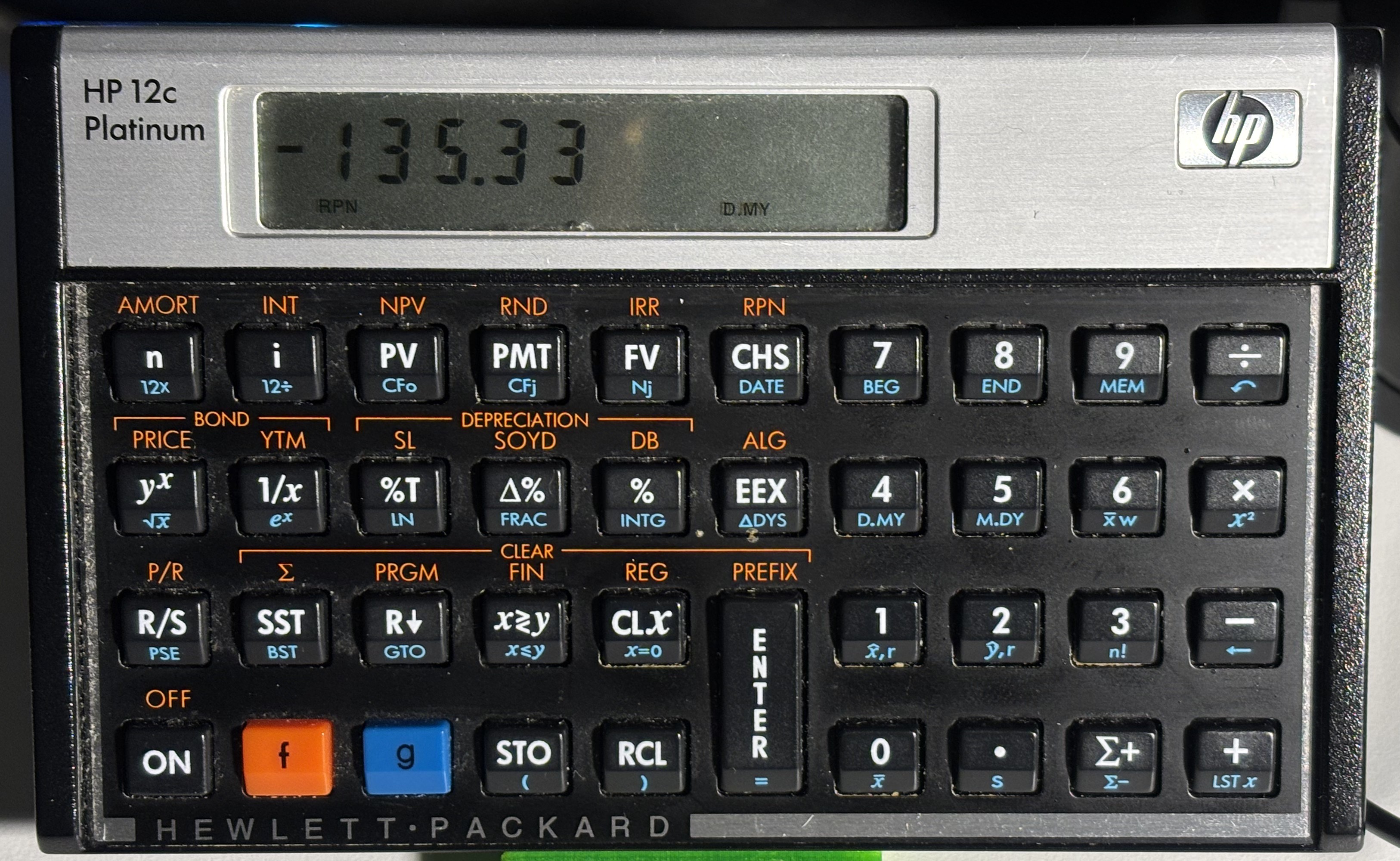
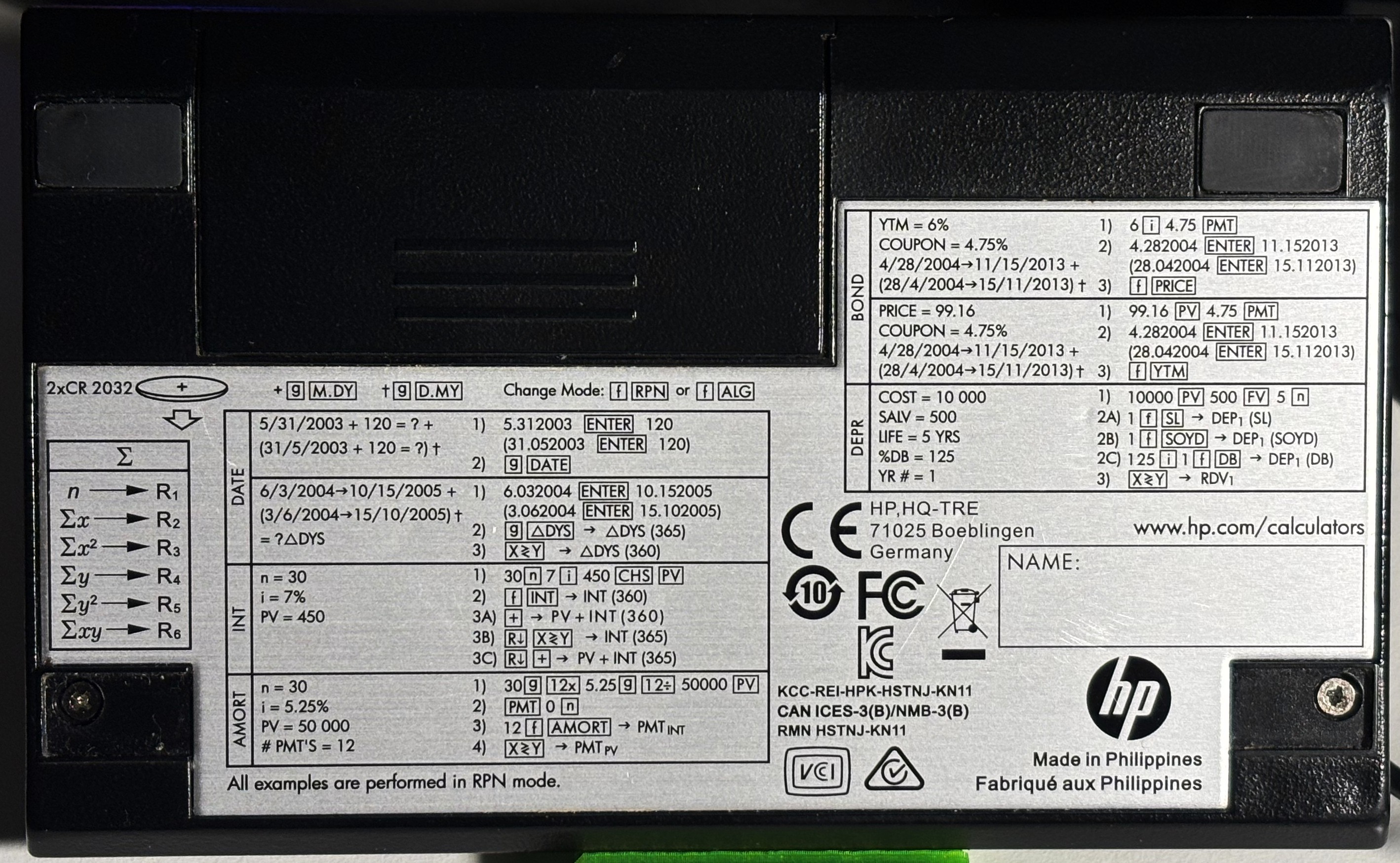
As shown, it can handle TVM problems, bonds, depreciation, cash flows, IRR, modified IRR, and more, covering most core financial tasks.
On the back, there are examples of common operations, so you often do not need the manual if you forget a specific keystroke sequence.
If you would like to try an HP 12C but do not own one, there are phone apps that replicate its functions, even if they cannot reproduce the physical key feel.
There is also a web-based simulator available here, which shows the internal registers, the full stack, and even a virtual printer.
HP 17bii+
HP 17BII was first introduced in 1988. It has a different design philosophy from the HP 12C, using a classic portrait orientation, as can be seen in the photo.
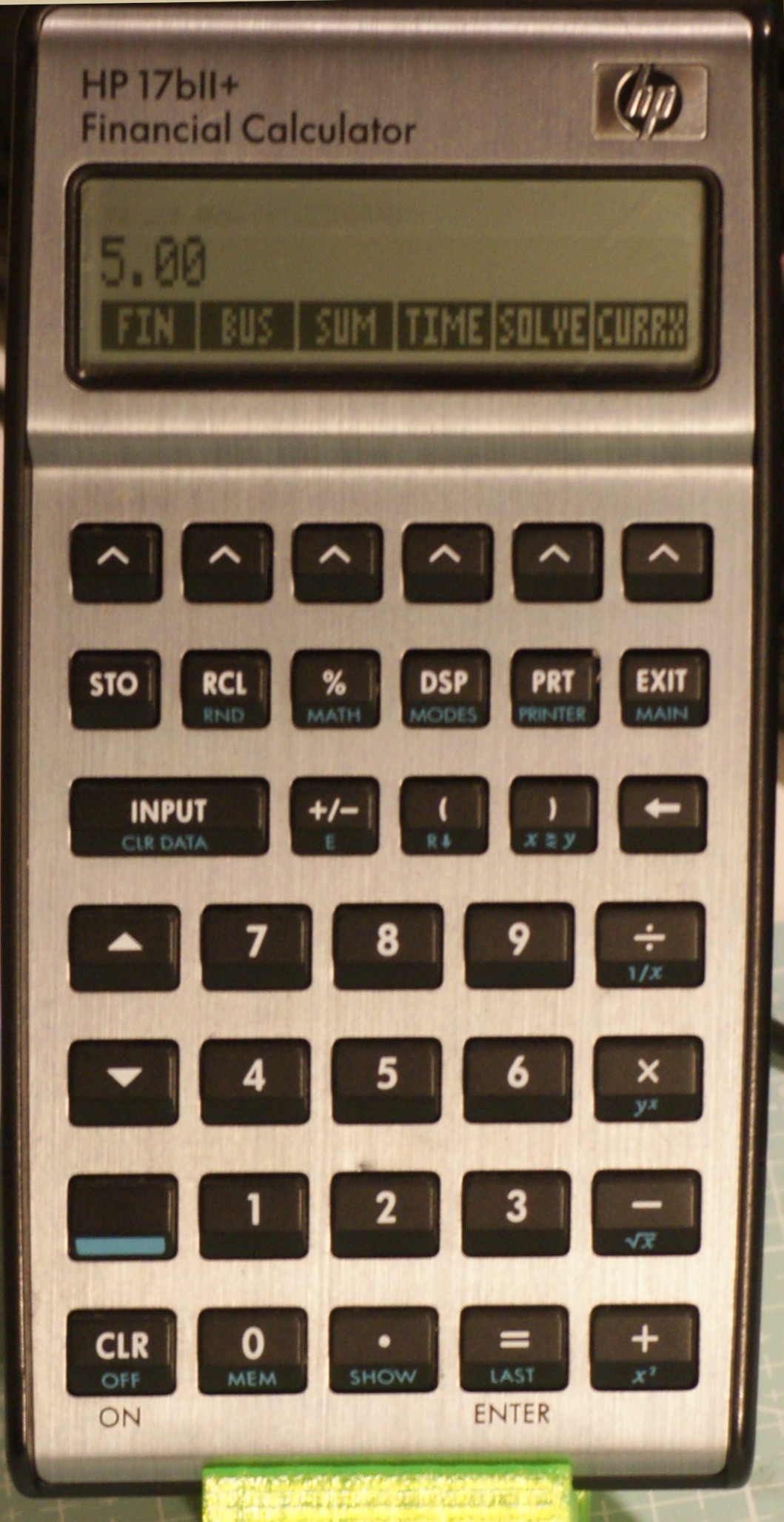
HP 17B introduced the concept of software menus, with a top row of buttons that change function depending on a previous selection. HP 17B can do everything the HP 12C can and more.
Of all its features, HP 17B has two that are the most important: support for lists and the Solver. Even though this calculator is not programmable, the Solver is so powerful that it can be used to write small programs in the form of equations.
According to the literature, the HP Solver was originally developed to solve TVM problems and eventually evolved into a standalone feature for many subsequent calculators, capable of solving virtually any equation.
The HP Solver exists in various forms across many HP calculators, and HP 17B has a particularly versatile and powerful version.
According to the literature, the HP Solver implemented in the Silver version of HP 17B is somewhat incompatible with older calculator versions, so some equations need to be adjusted to account for this change in behavior.
The second important feature mentioned is lists. In this calculator, lists can be used to create cash flows or to perform statistical calculations.
Multiple named lists can be created and used to save data for future use.
Its implementation is very versatile, and the calculator’s permanent memory, which preserves data between restarts, means that lists can effectively be used for data storage.
Combining these two features means that different datasets can be analyzed and libraries of equations can be maintained in the HP 17B.
This is not possible with the HP 12C, where cash flow problems can be solved but only one dataset can be analyzed at a time.
Engineering category
We could say that this is my native category. These are the calculators I used as a student and later for work in the banking industry, because I did not know that there were special editions for financial applications.
The most important feature for me in these cases is calculation history. I needed to be able to review and verify large sums of numbers in order to confirm final amounts of checks, payments, and so on.
Many years after I switched from banking to software engineering as my day job, I needed to perform multiple repetitive calculations that could be encoded either as a series of keystrokes or as a formula.
The first form can be naturally encoded in an RPN or RPL keystroke program, and the second can be used with HP Solve in the HP 17B or a number of other scientific and graphing calculators that we will present shortly.
In addition to being able to solve equations one way or another, I also use statistics, date and time calculations, and unit calculations and conversions.
HP Prime
HP Prime is, according to many, the best graphing calculator on the market today.
It has the fastest CPU and a color touch screen, and when it comes to performance it can blow the competition out of the water.
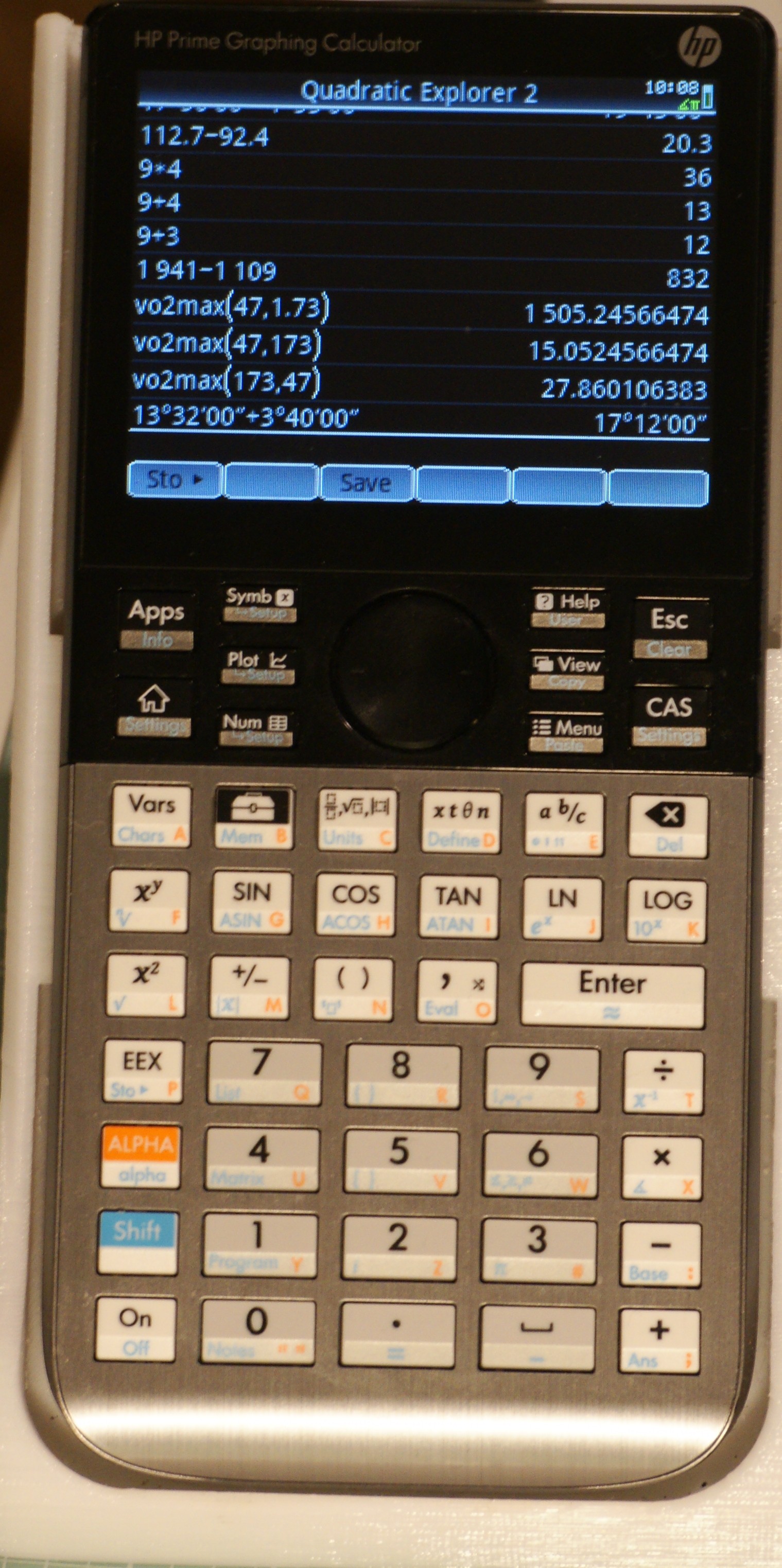
HP Prime can do everything I need, is quite robust in terms of construction, and is programmable with the HPPL language. It also supports Python. I rarely need to write a program for the HP Prime because its feature set is so rich that it can do everything I need straight out of the box.
It has a version of HP Solve and allows me to define my own functions, both for HP Solve and as calculator functions for use in other applications.
In the screenshot, we can see one of these functions that I have defined, which can be used to calculate VO₂max and accepts maximum heart rate and age as arguments.
Despite all the obvious advantages of the HP Prime, there are some significant issues. The most important is the fact that HP has stopped developing calculators and sold its calculator business to Moravia.
Moravia has tasked one person with continuing development of all HP calculator models currently in production. So, whereas during the 80s and 90s HP was paying whole engineering teams to develop its calculators, there is now only one developer.
So even though development has not been abandoned, progress is very slow.
In addition to this, Moravia is prioritizing bug fixes and features that target the educational segment of the market instead of engineering professionals. As a result, instead of being seen as a true engineering tool, many people view the HP Prime as a toy.
TX Nspire
In contrast to HP, which has stopped producing calculators and has sold its calculator division, Texas Instruments continues to produce calculators and offers extensive support for its products even today.
They produce educational videos for both teachers and students, and their products are approved for use by many school boards.
Education is their main focus, and although these calculators can be used for work, you sometimes need to dig deeply into menus to find a function you need because it is not part of the school curriculum.
The TI‑Nspire is slower than the HP Prime but still quite powerful. It has a file system and allows the user to create files that may contain a calculator, a spreadsheet, graphs, or notes, so each file can contain multiple calculators or spreadsheets grouped together by problem.
Each of these problems can have its own variables and functions.
This is a very powerful concept and can transform the device into multiple calculators in one: a financial calculator, a spreadsheet, a scientific calculator, and so on.
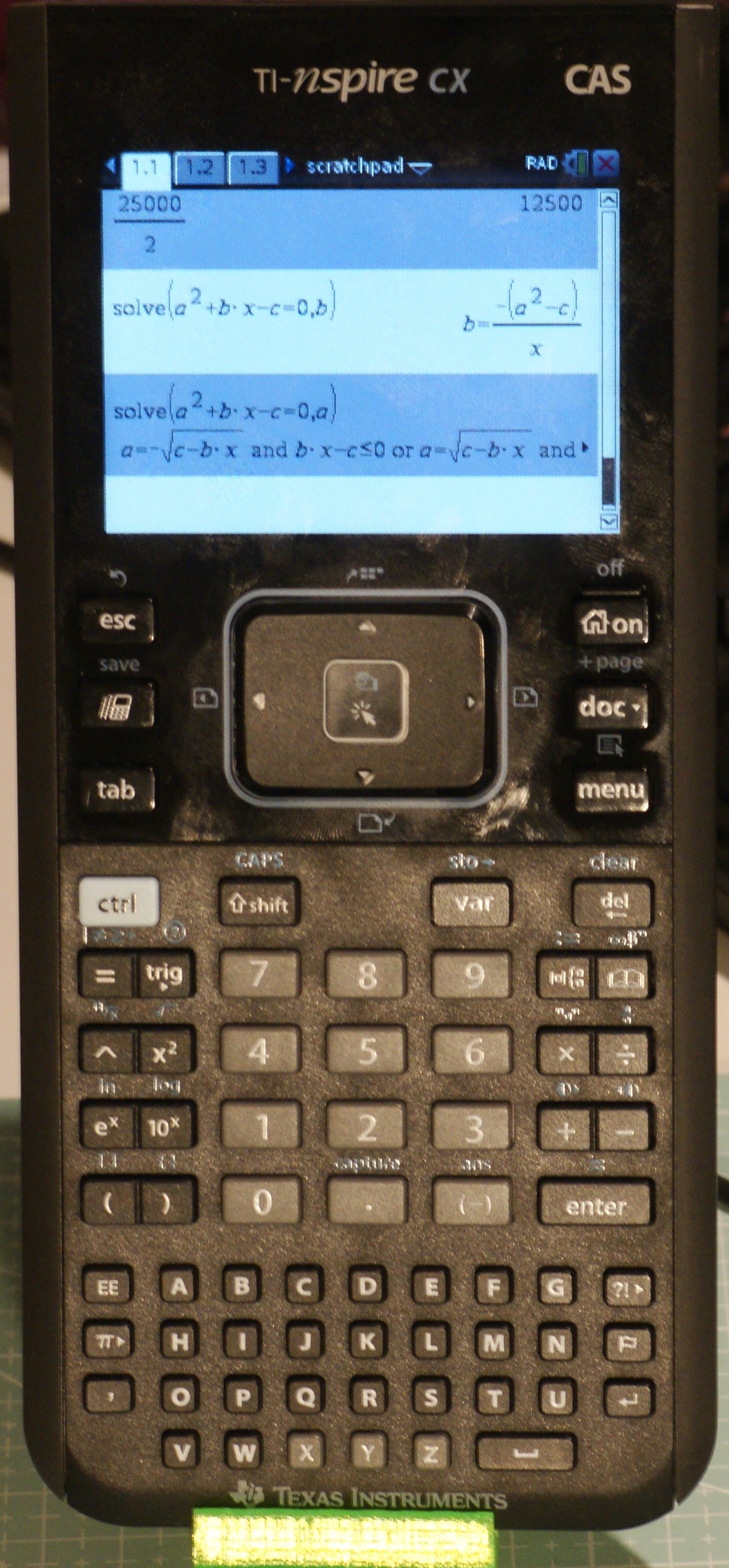
The downside of this power is complexity and a clunky interface. Battery life is also not great, and if you leave the calculator off for a while there is a significant delay when it boots. Internally, it is a computer and, as such, it has a boot sequence.
This is very different from the original HP 12 and HP 17, which have a battery life of years and can turn on and off instantly.
Free42, Plus42 and DB48x
In this section, I am going to present three calculator apps designed to simulate, to some extent, two lines of legendary HP calculators: the HP 42 and the HP 48.
These two calculators represent two different generations of HP calculators with devoted fans. Often, fans who like one generation do not like the other, but personally, I like both for different reasons.
Free42
Free42 and Plus42 are designed to closely simulate the HP 42, which many aficionados consider the best RPN calculator HP ever produced. Both apps are open source and available freely for all platforms. Free42 is available for download on mobile platforms for free, while Plus42 is an enhanced version of Free42 and is available for a small fee on mobile platforms.
Plus42 is available for Linux, Mac, and Windows systems for free.
Out of all these three calculator apps, only one exists in physical form thanks to a small Swiss company that has decided to produce a line of calculators resembling HP calculators as much as possible, called SwissMicros.
These calculators, although pricey, are very close to the originals and are built as an open platform, which means they can be customized by their owner.
The HP 42 was designed to be extendable: if anything was missing, you could program it right there. These were field-programmable devices, and most people would type programs directly without needing a computer.
This contrasts with more modern programmables that often require a computer to program them.
This simplicity in programming, combined with the already rich set of internal functions that allow integrations, differentiations, matrix algebra, and statistics—and the fact that it is largely backward compatible with the legendary HP 41, arguably the first portable general-purpose computer—make the HP 42 and its simulators a very powerful productivity tool.
There is a collection of tools developed by enthusiasts that can be downloaded for free to do TVM calculations, unit conversions, etc.
With the HP 17B, we can use lists as a general-purpose storage datatype; Free42 supports matrices, vectors, and lists. List support, as well as an unlimited stack, are some of the improvements Free42 has introduced on top of the HP 42’s already rich function set.
Free42 has a compatibility mode that allows people to turn off certain features if they want to run legacy programs.
In addition to all the above, Free42 has one of the most precise numerical engines available today. It supports a 34-digit decimal mantissa and an exponent range from \(10^{-6143}\) to \(10^{6144}\), which is far higher than any range supported by even the highest-end HP model ever produced.
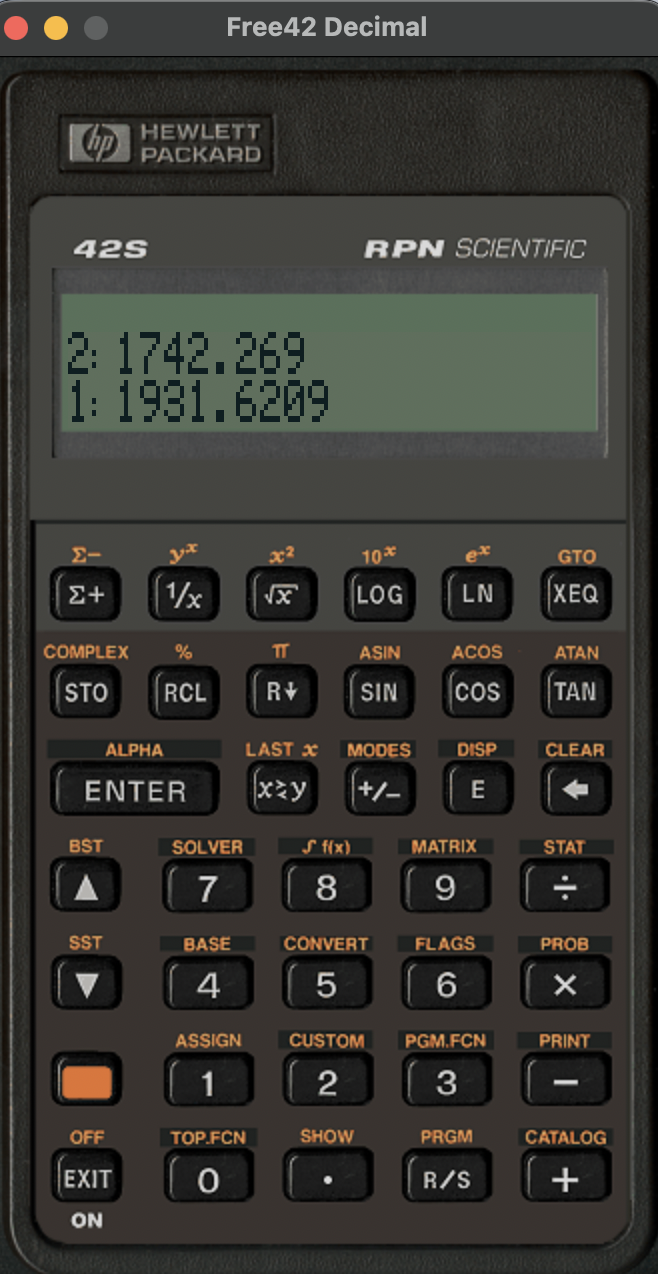
These are the reasons why Free42 quickly became my go-to calculator app across all platforms. We can see what Free42 looks like in the screenshot.
Plus42
Plus42 builds on top of the Free42 success story. It supports all the features of Free42 and more.
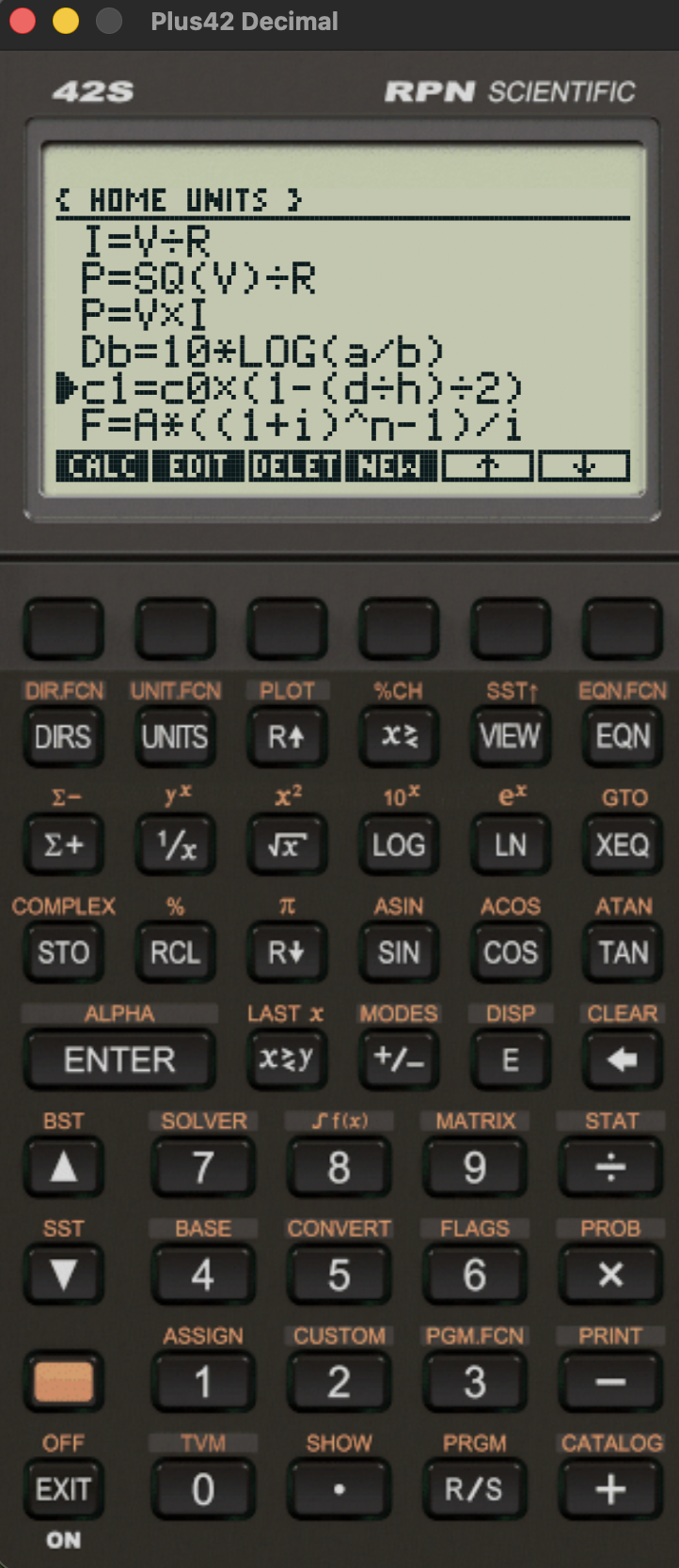
It supports a HP 17bii solver with equation library support, a native units library with custom units, a very robust TVM implementation with amortization support and more.
The only problem is that it does not exist in physical form. If it did, it would most likely replace the HP Prime on my desk. The closest we can get is DM42(n) calculator produced by SwissMicros that runs Free42.
DB48x
I mentioned RPL and HP 48 earlier. We can see it now next to its successor, the HP 50g.
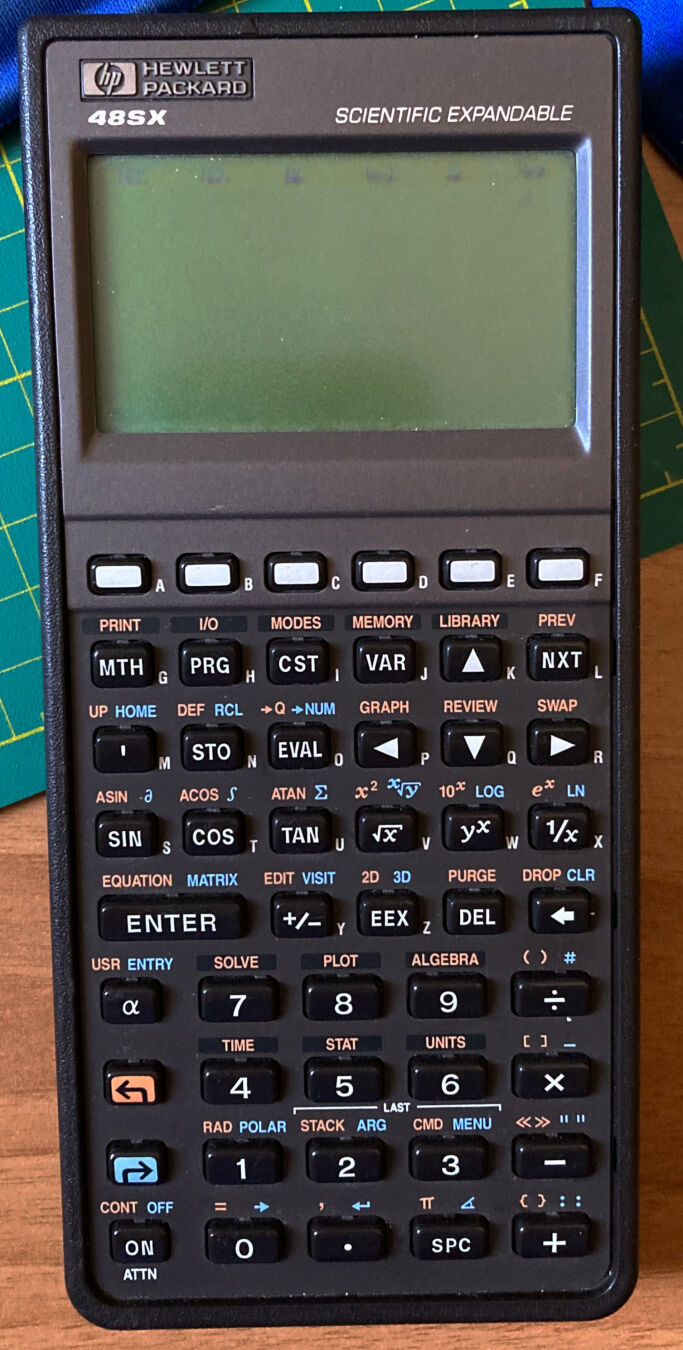
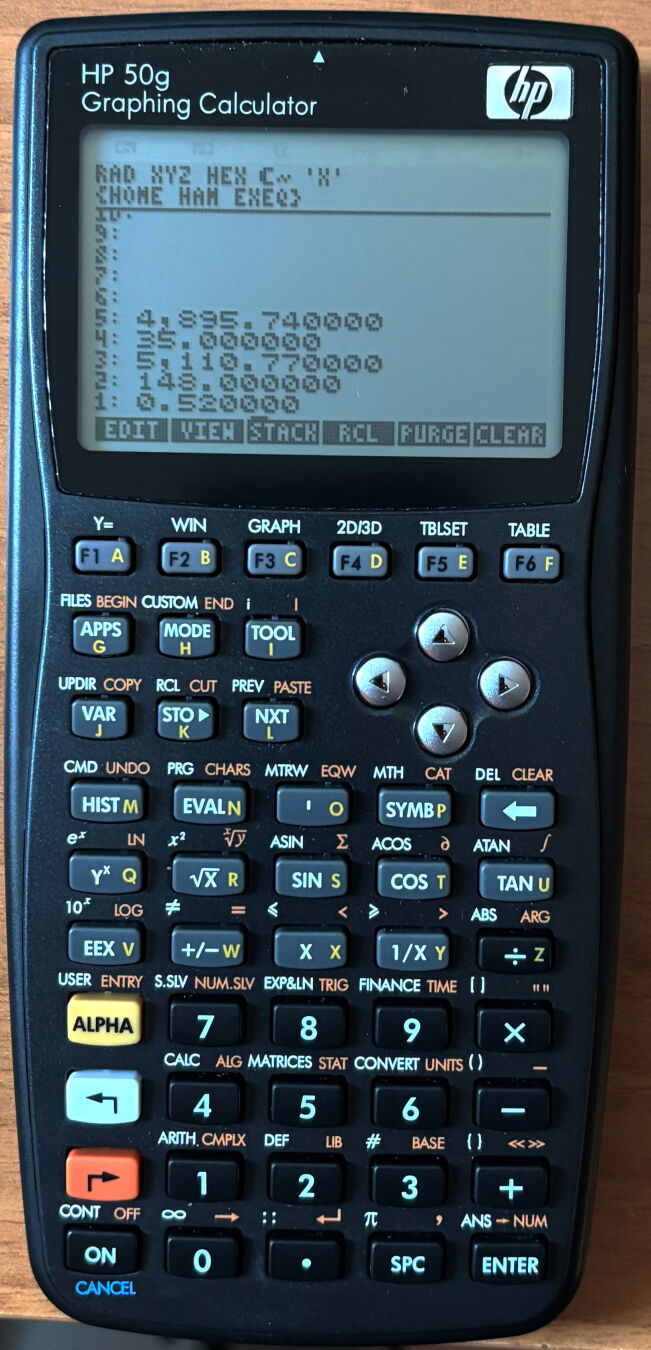
According to many, these two calculators represent the peak in sophistication and quality in HP calculator production. This applies especially to the HP 48; many people think of the HP 50g as inferior quality even though it has more features than the HP 48.
Personally, I love them both. The HP 50g used to be my main calculator before switching to the HP Prime for work and the HP 17b/DM42. The only reason I switched was because these calculators are now out of production, and if they break or get lost, then it is very difficult to replace them.
They support all of the features mentioned for Free42/Plus42 and more, even though they cannot reach Free42/Plus42 in precision. They are truly magnificent machines.
What Free42/Plus42 has done for the HP 42S, DB48X is attempting to do for the HP 48 and HP 50g. It is a re-imagination of RPL flagship machines with a twist.
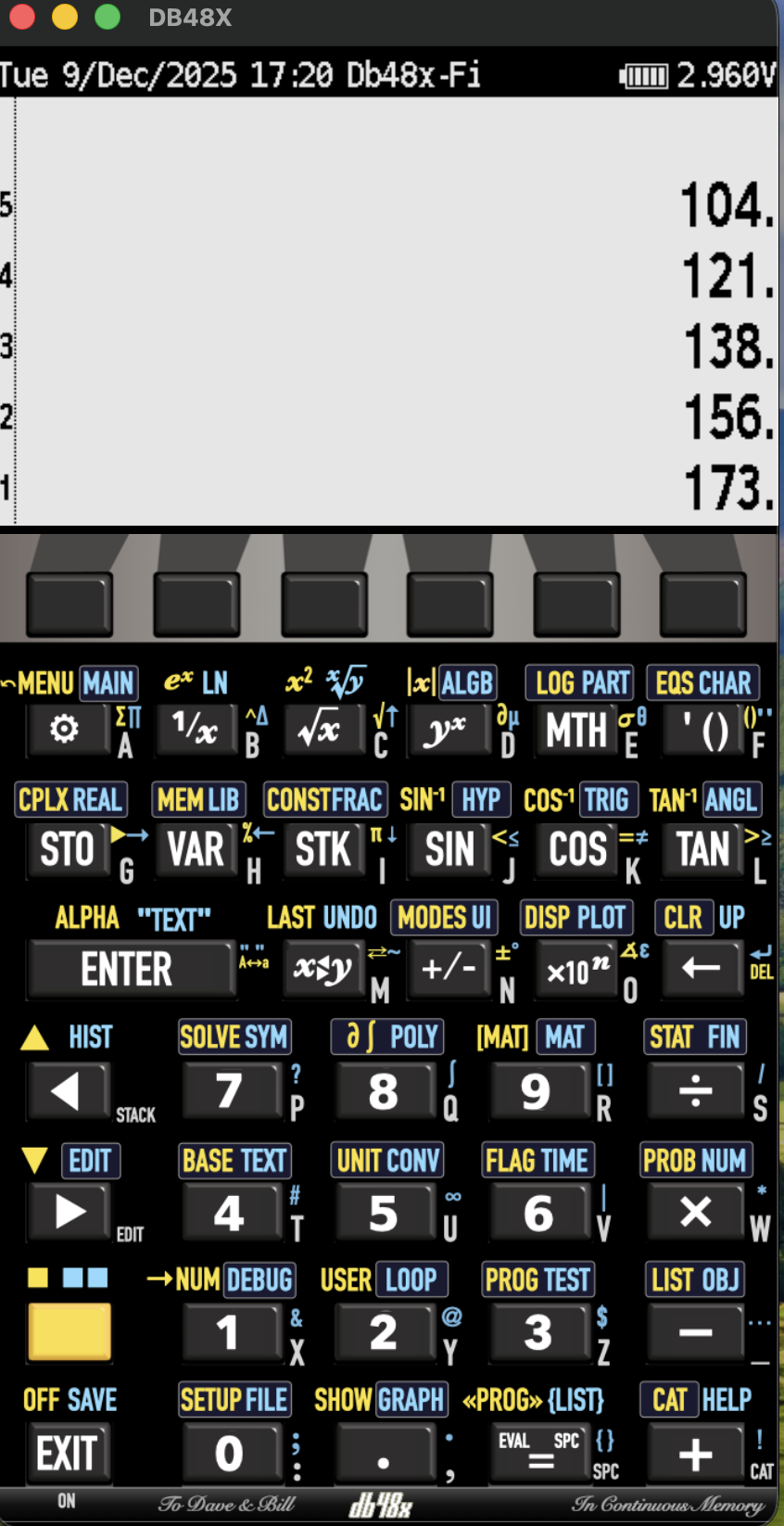
DB48X is still under development, but it already has support for most features of the HP 50g and in some cases even exceeds it.
It is one of the very few calculator apps that supports variable precision arithmetic. Where other apps/devices use fixed precision, with DB48X this is configurable at runtime. Generally speaking, DB48X is a work of art, and I am looking forward to it reaching version 1.0.
As an added bonus, it can run on the DM42 platform, so there is an option to run DB48X on real hardware.
Computer Algebra systems (CAS)
So far, I have presented several calculators with an amazing set of features. What I have not mentioned so far is that these calculators can also be divided into two additional groups.
One group includes purely numerical calculators (HP 42S, Free42, Plus42, HP 12C, HP 17bII+) and the second includes calculators that can do symbolic computations as well as numerical. These are the HP Prime, TI-Nspire CAS, HP 48, HP 50g, and DB48X.
This opens a whole different discussion where we can use this second set of calculators entirely symbolically. We can see an example of that in the TI-Nspire CAS screenshot, where it solves a quadratic equation symbolically.
These CAS systems can often be found as independent software packages for computers, so we run the same symbolic engine on our calculator and our computer. They are really powerful.
Texas Instruments uses its own proprietary symbolic engine, but the HP Prime uses Xcas/Giac, which is an open-source CAS also available for other brands as well as Linux, Windows, and Mac.
Xcas/Giac is also used by SageMath , which is my favorite mathematics software system for when I need to do something that is not supported by one of my calculators. These little devices are so powerful that I have not used SageMath for a while.